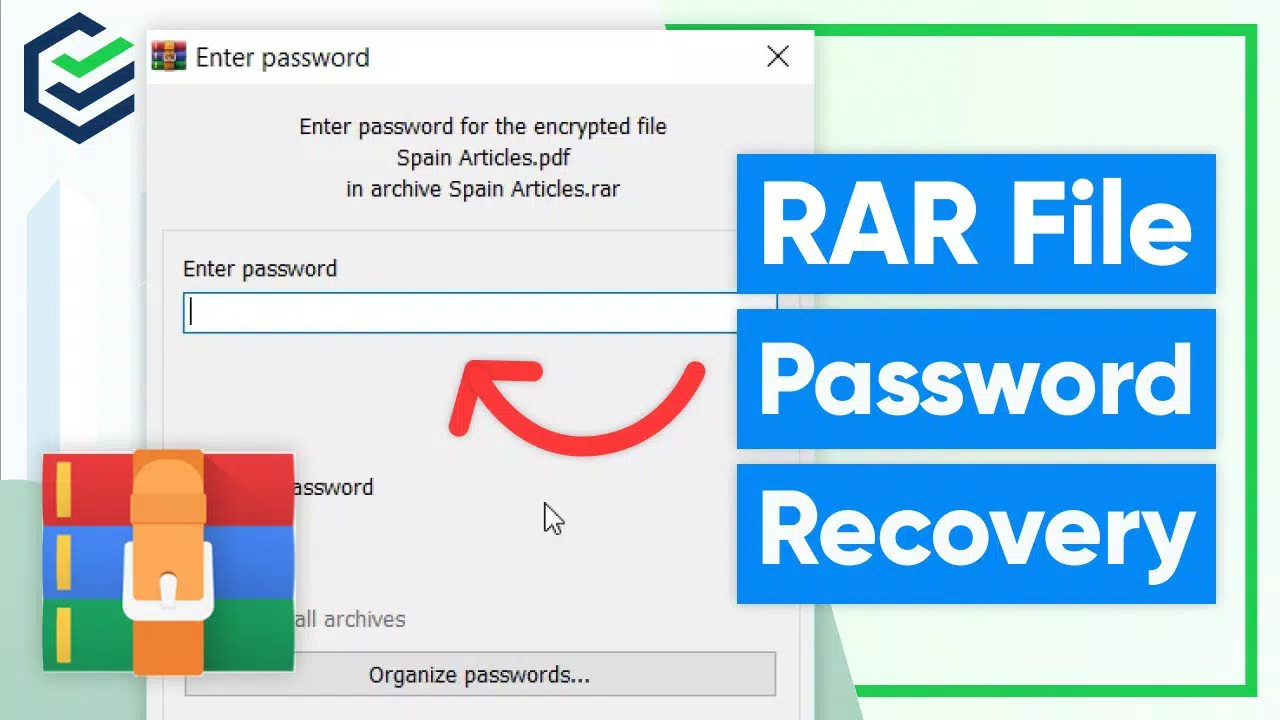
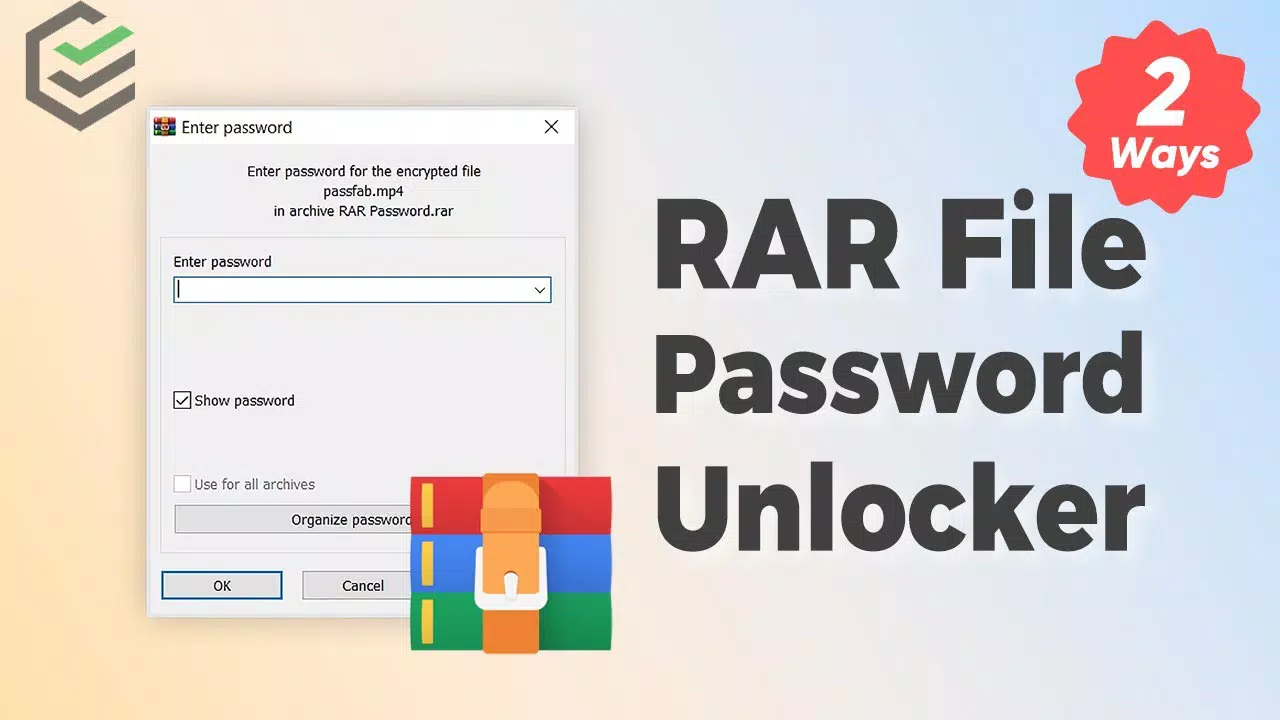


Download RAR Password Unlocker – recover lost RAR passwords, crack RAR archive password, password recovery tool, RAR file password recovery
Overview
RAR Password Unlocker is a specialized productivity tool developed for Windows users facing the challenge of accessing encrypted RAR archives. The primary purpose of this application is to assist individuals in recovering lost or forgotten passwords that protect sensitive RAR files. This functionality is particularly valuable in scenarios where critical data—such as personal documents, financial records, or project backups—is locked behind a password that can no longer be recalled. The app addresses a common pain point in digital file management: the irreversible loss of access to compressed archives due to password遗忘.
Target users include professionals, students, and individual users who rely on RAR compression for data organization and storage. The tool is especially beneficial for those who have used password protection on archives without proper documentation or backup of credentials. By offering multiple recovery methods, RAR Password Unlocker enhances the chances of successful password retrieval, thereby reducing data loss and frustration. Although the developer’s background is not detailed beyond the app name, the tool’s focused functionality suggests a specialized development team dedicated to data recovery utilities.
Within the broader app ecosystem, RAR Password Unlocker fills a niche role by providing a dedicated solution for a specific file format (RAR). Its presence underscores the ongoing demand for reliable, efficient tools that empower users to regain control over their digital assets without relying on third-party services or complex technical workarounds.
Key Features & Functionality
RAR Password Unlocker delivers a suite of targeted features designed to maximize recovery success while maintaining user accessibility. The core functionality revolves around three distinct password recovery methods: Brute Force, Brute Force with User-Defined Mask, and Dictionary mode. Each method serves a unique purpose in the recovery process.
Brute Force systematically tests every possible character combination, making it exhaustive but effective for short passwords. The Brute Force with User-Defined Mask feature allows users to specify known patterns—such as a known prefix or suffix—reducing the search space and accelerating recovery. Dictionary mode leverages a built-in word list to test common or previously used passwords, which is particularly efficient when the original password is a known word or phrase.
- Multiple Password Recovery Methods: Offers Brute Force, Brute Force with Mask, and Dictionary mode to suit varying password complexity and user knowledge.
- Customizable Dictionary Mode: Enables users to modify the built-in dictionary with personal word lists, increasing the relevance of tested passwords.
- Automatic Save and Resume: Preserves recovery progress, allowing interrupted operations to continue without restarting from the beginning.
- Archive Search Function: Scans the system to locate RAR files, streamlining the process of identifying and targeting encrypted archives.
- User-Friendly Interface: Features a clean, minimal layout focused solely on recovery tasks, with optional step-by-step guidance and a comprehensive Help file.
For instance, a user who remembers their password was a variation of a common word (e.g., "password123") can use Dictionary mode with a custom list containing that word. Similarly, someone who recalls a password structure (e.g., "MyFile@2023") can use the mask feature to specify the pattern, drastically reducing recovery time. These features collectively enhance efficiency and reduce user effort in critical data recovery situations.
Interface, UX & Performance
The user interface of RAR Password Unlocker is designed with simplicity and functionality in mind. It presents a clean, uncluttered layout that focuses exclusively on the password recovery workflow. Navigation is straightforward, with minimal controls and a clear progression from selecting an archive to initiating a recovery method. The inclusion of an optional Details pane provides contextual guidance, which is especially helpful for first-time users unfamiliar with password recovery processes. The Help file further supports users by offering detailed explanations and troubleshooting tips.
Although the developer did not list formal performance metrics, the app’s ability to handle large-scale recovery operations—such as Brute Force attacks—suggests optimized algorithms. The automatic save and resume feature indicates attention to long-running processes, which is crucial for maintaining user trust during extended operations. The application’s lightweight footprint of 3.5 MB suggests efficient resource usage, which typically translates to stable performance across various Windows device categories, including older systems.
Responsiveness is maintained through a non-blocking interface, allowing users to monitor progress and adjust settings without freezing. Stability appears to be a priority, given the emphasis on preserving recovery states. However, specific requirements for RAM, CPU, or disk space were not disclosed, so users should ensure their system meets general Windows compatibility standards.
Platform Compatibility & Technical Requirements
RAR Password Unlocker is exclusively available for the Windows operating system. The current version is 2.0, with a file size of 3.5 MB, indicating a lightweight installation. The app is designed to run on Windows platforms, though the developer did not specify minimum OS requirements, such as Windows 7, 8, 10, or 11. As such, users are advised to check compatibility with their specific Windows version before installation.
Given the app’s size and purpose, it likely does not require extensive hardware resources. However, the developer did not provide detailed technical specifications such as RAM, CPU, or storage requirements. Users should ensure their system has sufficient free disk space to accommodate the app and any temporary files generated during password recovery. No information was provided about the need for administrative privileges or network access during operation.
Pros and Cons
Pros
- Offers three distinct password recovery methods for flexible and targeted attacks.
- Customizable dictionary mode allows users to tailor word lists to personal or organizational patterns.
- Automatic save and resume functionality prevents loss of progress during lengthy recovery attempts.
- Archive search feature simplifies the process of locating encrypted RAR files across the system.
- Simple, intuitive interface reduces the learning curve for non-technical users.
Cons
- Price point of $29.95 may be considered high for occasional users.
- Trial version limitations may restrict full functionality, requiring a purchase for complete access.
- Platform is limited to Windows; no information on availability for macOS or Linux.
- Specific system requirements were not disclosed, which may cause uncertainty for some users.
- Performance on older or low-spec Windows devices was not evaluated in the provided data.
FAQ
Is RAR Password Unlocker safe to use?
The app is designed for legitimate password recovery on files you own or have authorized access to. Use it only on RAR archives for which you have the right to recover the password to avoid legal or ethical issues.
Can I use RAR Password Unlocker on macOS or Linux?
Based on the provided information, the app is only available for Windows. There is no indication of support for macOS or Linux platforms.
Does the app work on all RAR file versions?
The developer did not specify compatibility with all RAR file versions. It is recommended to test the tool on a non-critical archive first to confirm functionality.
How long does password recovery take?
Recovery time varies significantly based on the password complexity, method used, and system performance. Brute Force attacks on complex passwords can take hours or days.
Is there a free version available?
While the app is available for purchase at $29.95, the developer did not disclose a fully functional free version. The trial version may offer limited capabilities.
Final Thoughts
RAR Password Unlocker stands out as a focused, efficient tool for users trapped by forgotten passwords on RAR archives. Its combination of multiple recovery methods, customizable dictionary support, and intelligent progress management makes it a reliable choice for both casual and professional users. The clean interface and helpful guidance ensure accessibility even for those without technical expertise.
While the price may be a barrier for occasional users, the value lies in the potential to recover irreplaceable data. For anyone who relies on RAR compression and has experienced password loss, this tool offers a powerful, dedicated solution. Its niche focus and practical features demonstrate a strong understanding of user needs in data recovery.
Download RAR Password Unlocker now


